Stratum v1 Mining Infrastructure
Intelligent Dual-Pool Mining Proxy
Split your SHA-256 hashrate across two pools with real-time oracle-driven rebalancing. One proxy, two pools, zero wasted hash power.
Split your SHA-256 hashrate across two pools with real-time oracle-driven rebalancing. One proxy, two pools, zero wasted hash power.
DPMP sits between your ASIC fleet and two upstream pools, intelligently routing hashrate where it matters most.
Real-time BTC and BCH network hashrate tracking automatically adjusts pool weights to optimize your mining allocation.
Oracle auto-balance, manual slider, or direct per-miner assignment. Switch modes instantly from the dashboard with no miner restarts.
Per-miner reliability tracking with EWMA-based health scores. Unreliable miners are automatically pinned to a single pool.
Dynamic time-slicing with health-adjusted floors and stagger offsets prevents herding across your fleet.
Fleet, worker, and pool stats with sortable tables, hashrate estimates, reject tracking, and Prometheus integration.
Temporarily disable any miner without disconnecting it. Shares are silently swallowed while the miner stays connected and hashing.
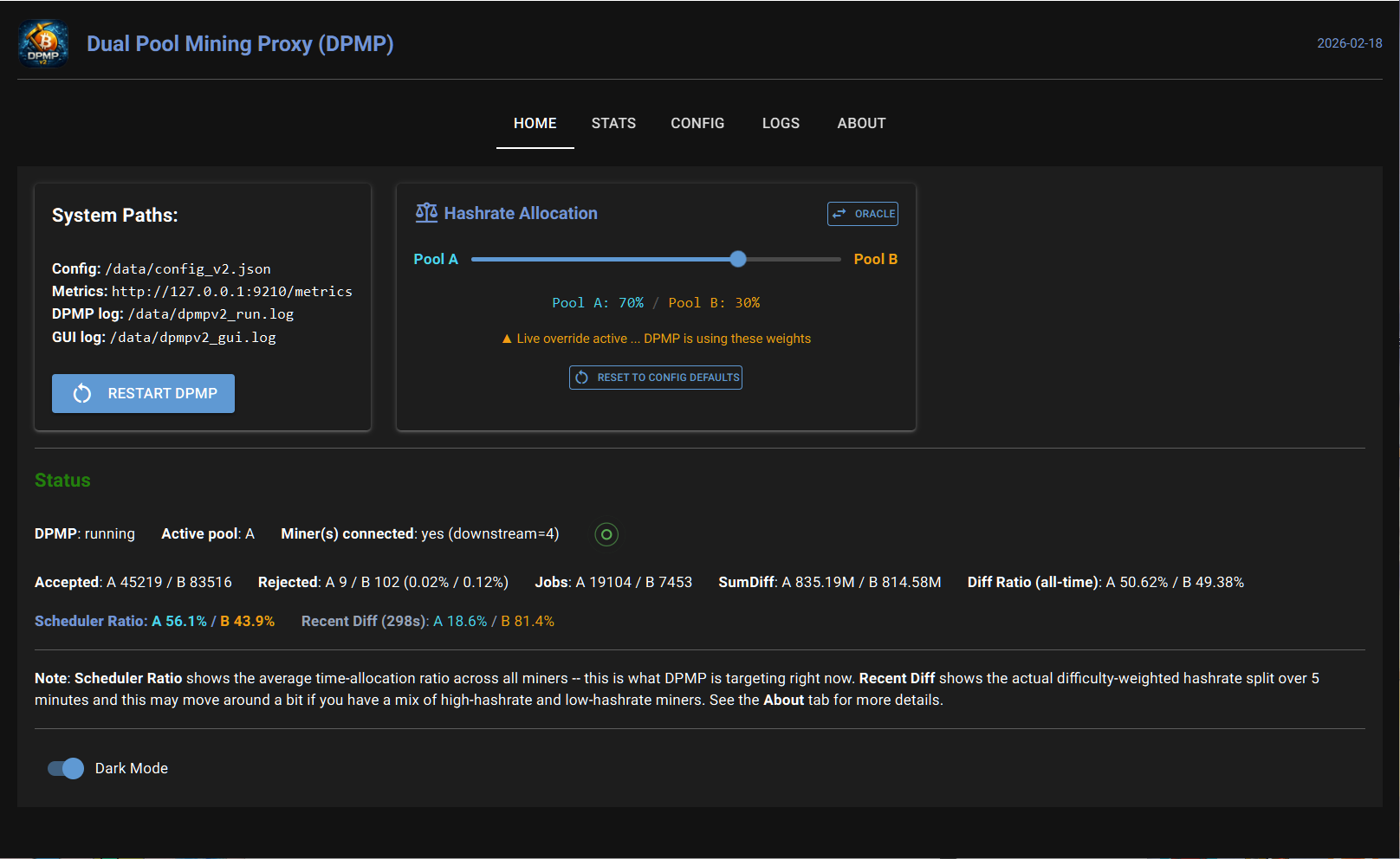
Switch between modes at any time from the Home tab with no miner restarts required. Navigate between modes using the arrow buttons on each panel.
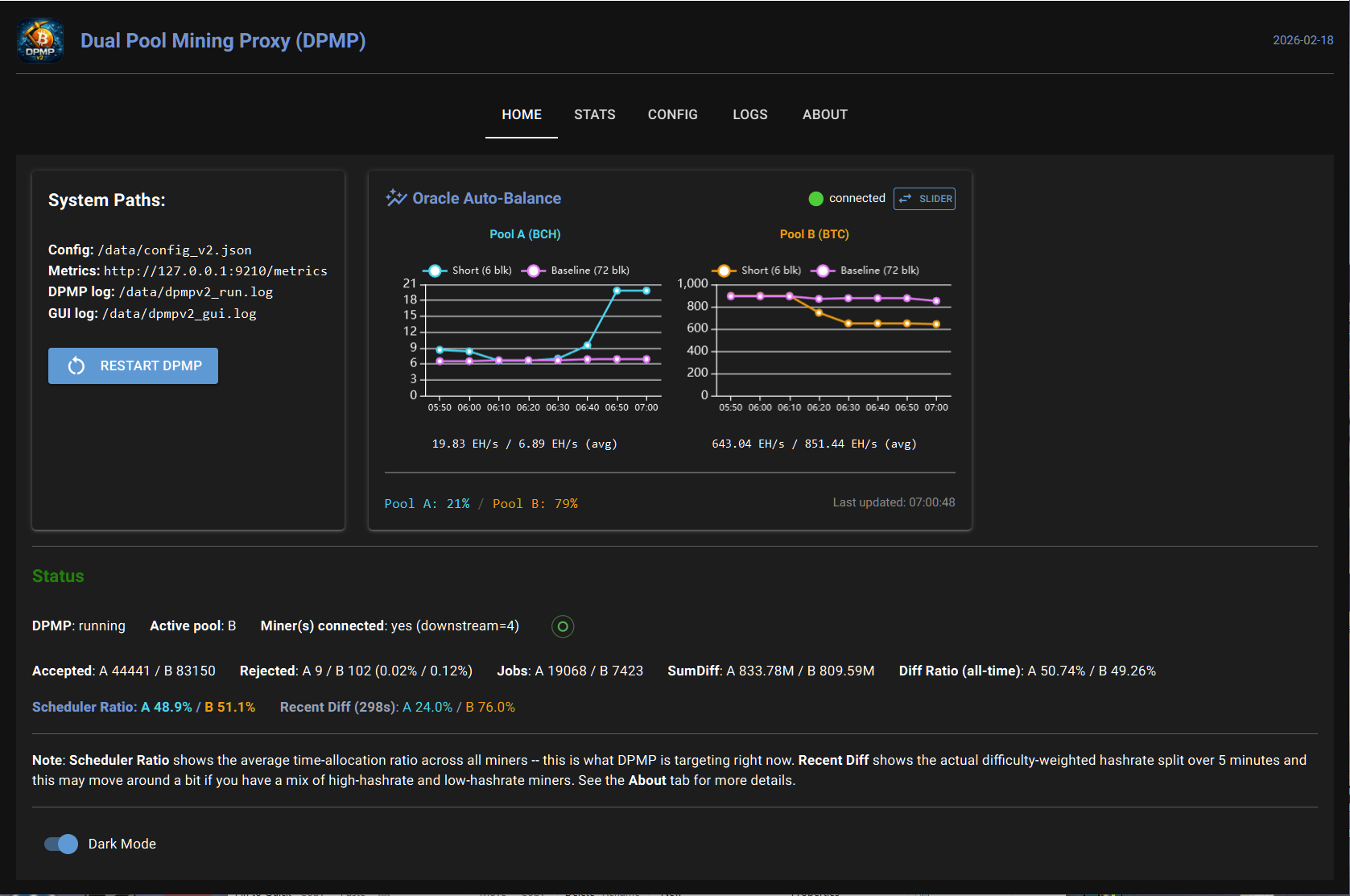
Let the oracle decide. DPMP polls live BTC and BCH network hashrate data every 10 minutes and automatically rebalances your split to keep you on the most favorable pool.
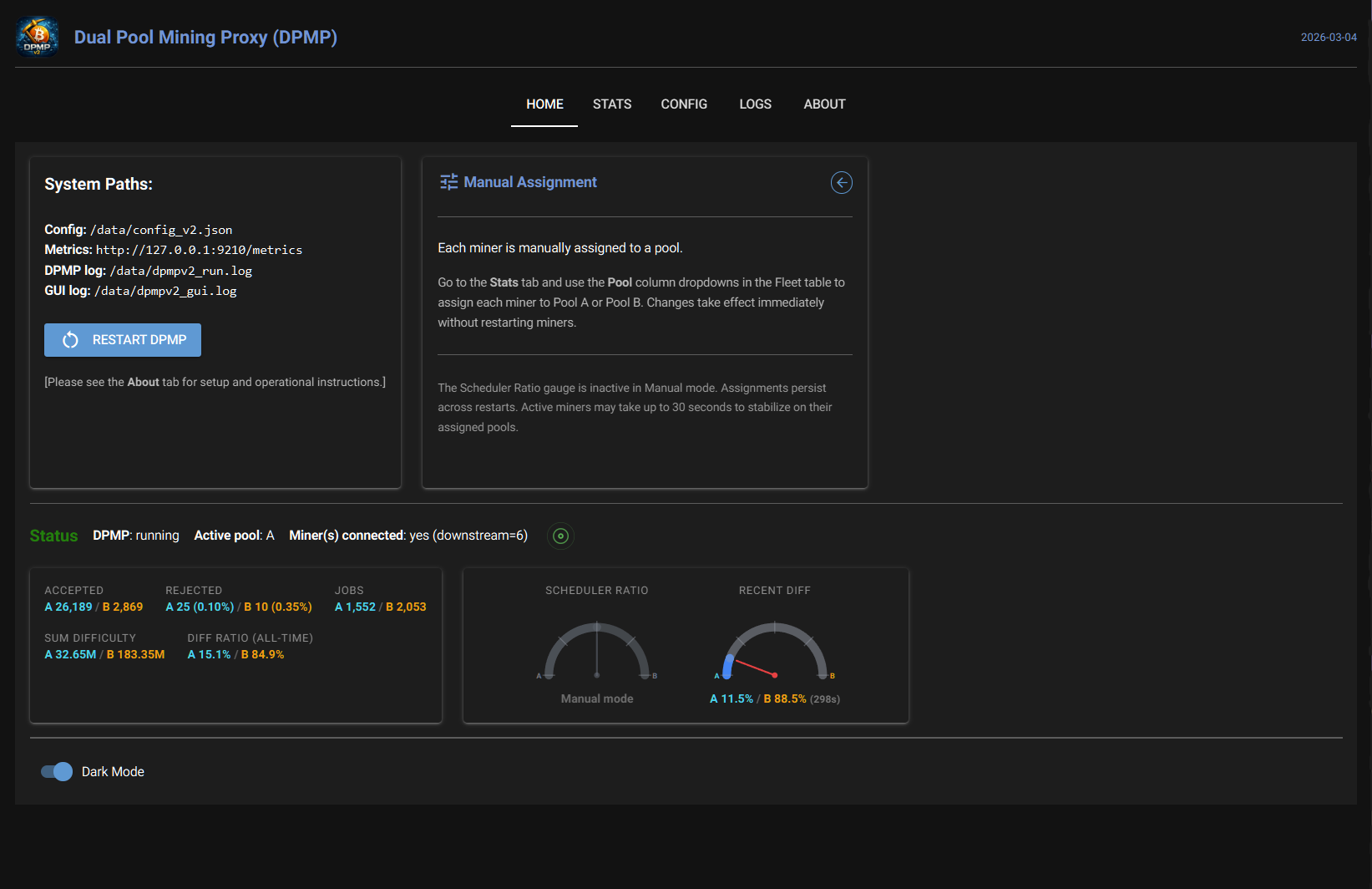
Direct pool assignment per miner. Use the Fleet table dropdowns in the Stats tab to lock any individual miner to Pool A or Pool B. The scheduler is bypassed entirely.
A built-in web dashboard gives you complete oversight of your mining operation from any browser on your network. Click any screenshot to enlarge.
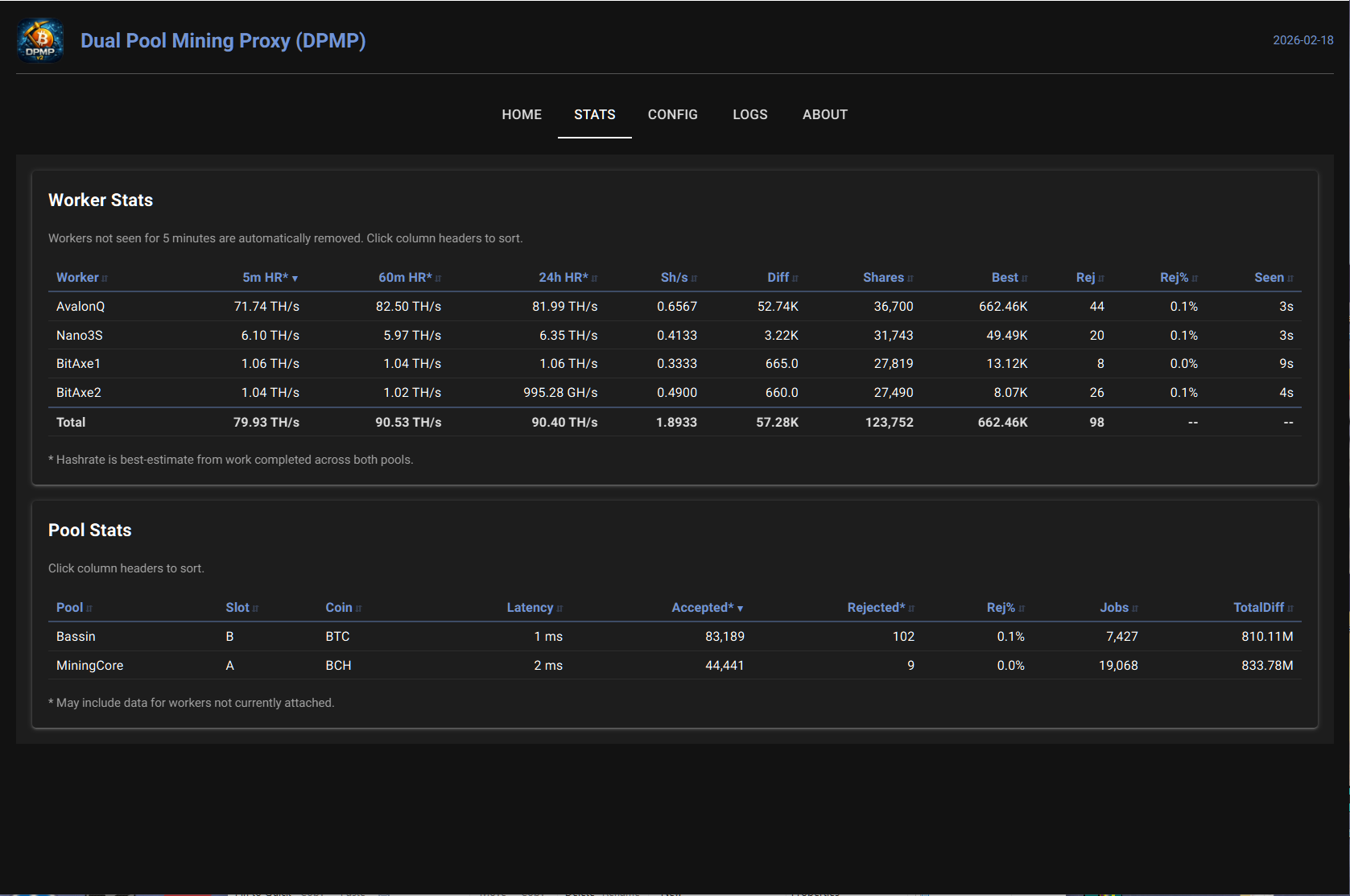
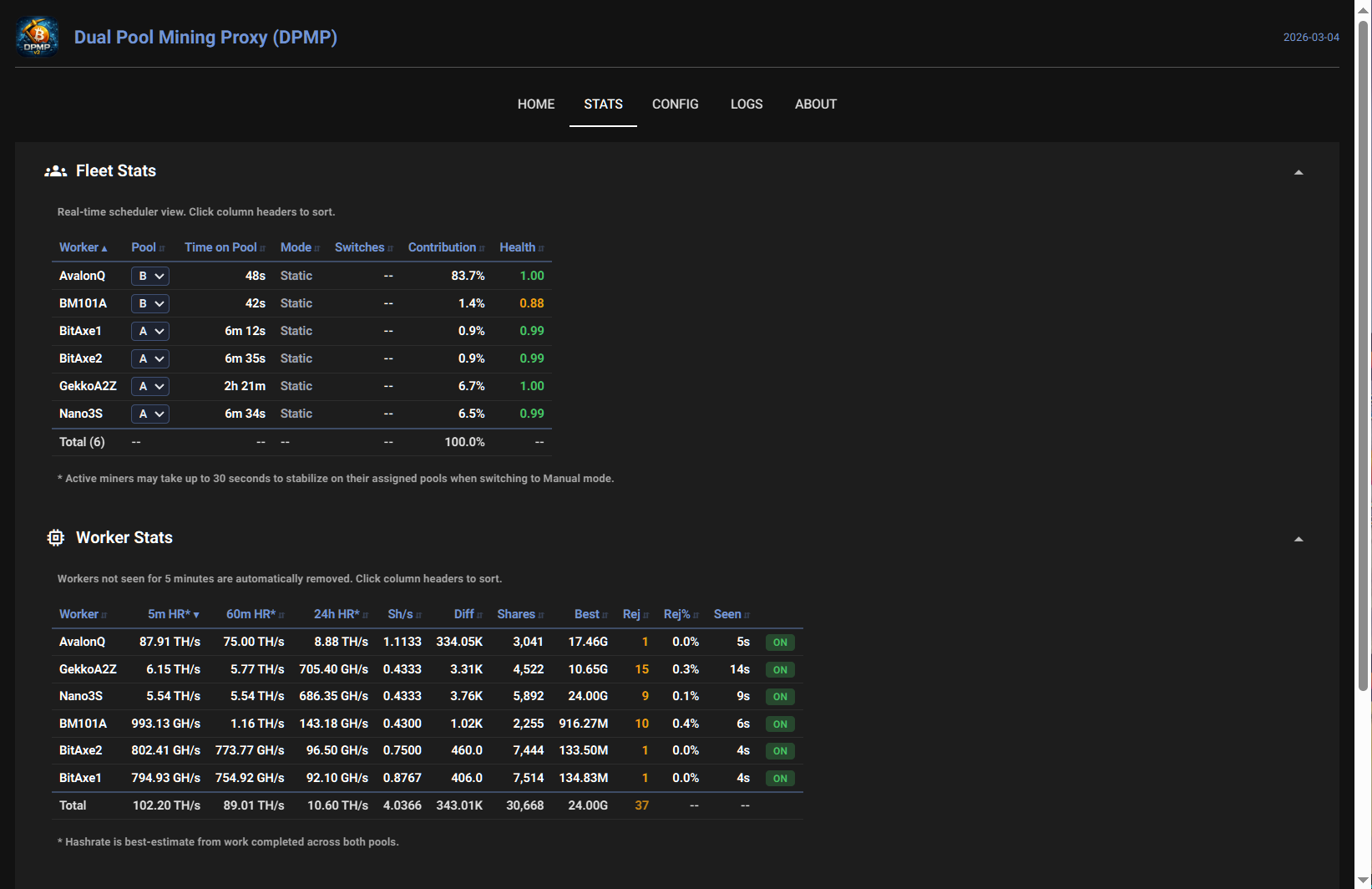
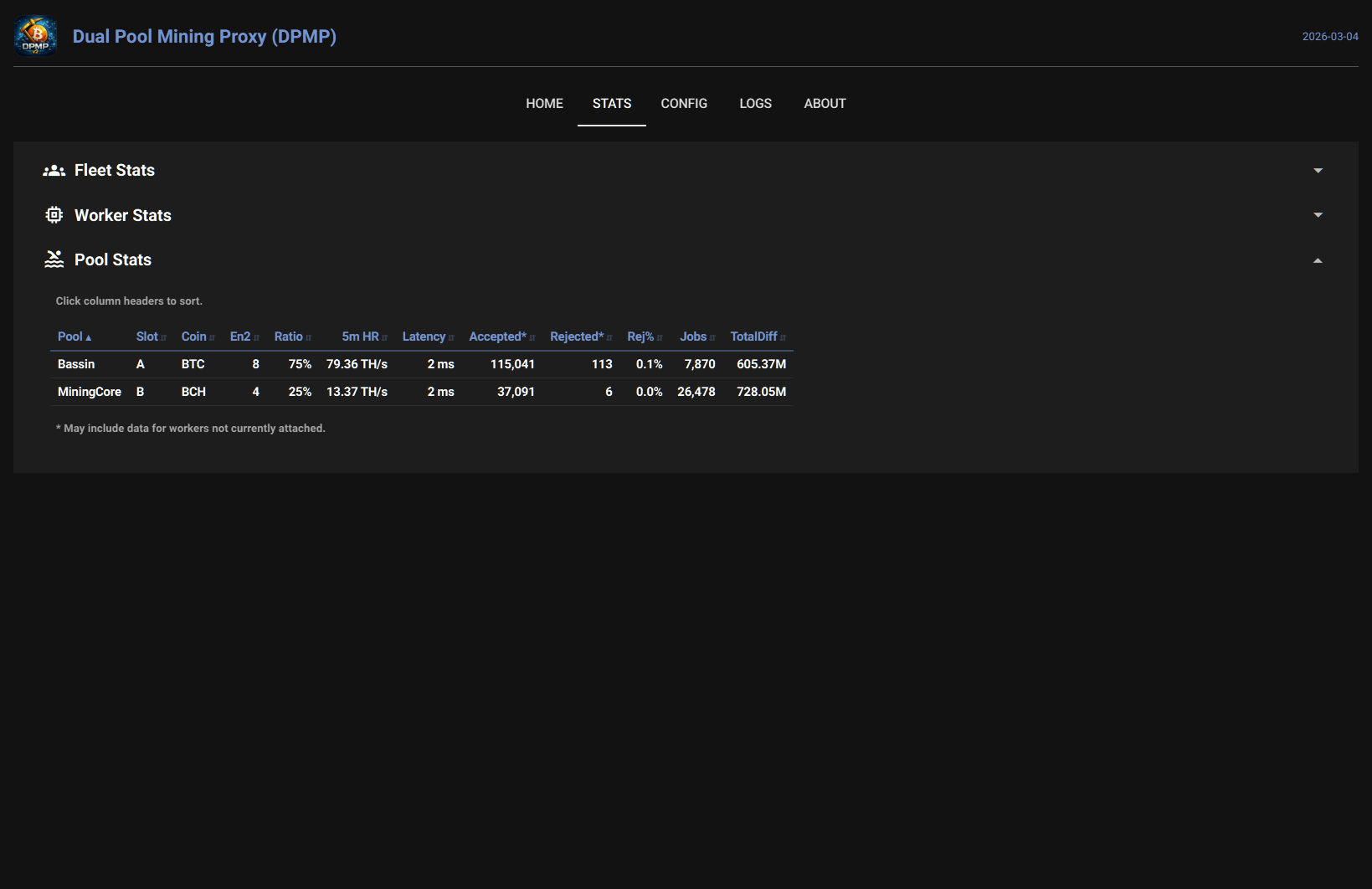
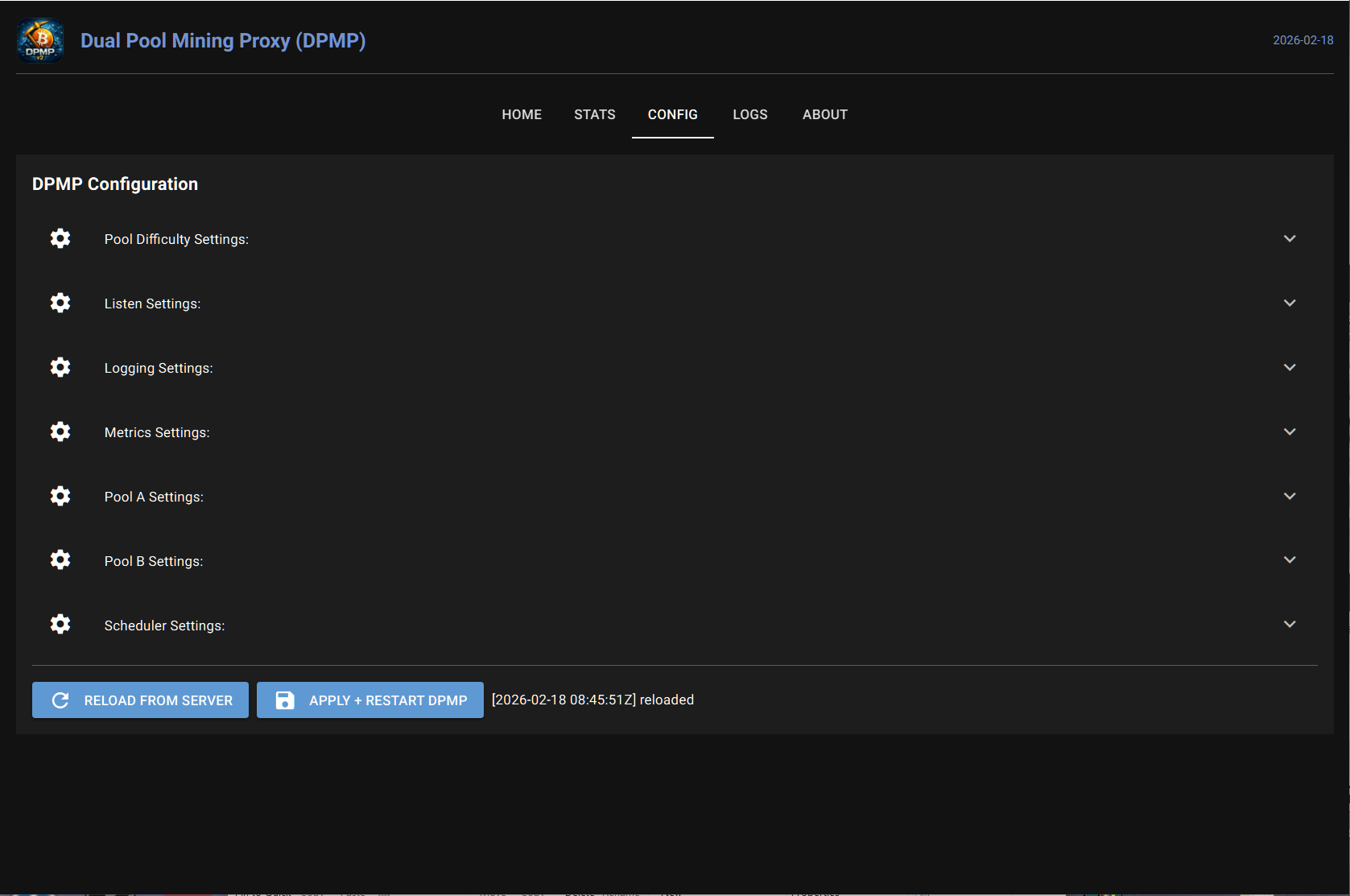
Three steps from install to mining on two pools simultaneously.
One-click install via the Umbrel Community App Store, or clone the repo for a bare-metal setup on any Linux box. Docker and native installs are both supported.
On the Config tab, enter the host, port, and wallet address for each of your two pools. Assign the correct coin type if using Oracle Auto-Balance. Set your preferred Slice Seconds (10-15 recommended).
Point your ASIC miners to the DPMP host on port 3351. Use any wallet address with
your worker name appended (e.g., [address].[WorkerName]). DPMP handles the rest.
Define two upstream pools on the Config tab with host URL, port, and wallet address. Optionally
assign a display name and coin type. For Oracle Auto-Balance, you MUST assign BTC to one
pool and BCH to the other. Double-check your wallet addresses as all pool payouts
are sent to the addresses defined here.
Configure default pool weights and the Slice Seconds parameter, which sets the minimum time a
Dynamic miner stays on one pool before switching. Start with 10 or 15
seconds for optimal fleet operation. Switch between Oracle, Slider, and Manual modes at any time
from the Home tab without restarting.
Point miners to your DPMP host IP on port 3351. The wallet address you enter in your
miner is ignored by DPMP; only the worker name (after the period) is used. DPMP substitutes the
wallet addresses from your pool configuration when communicating upstream.
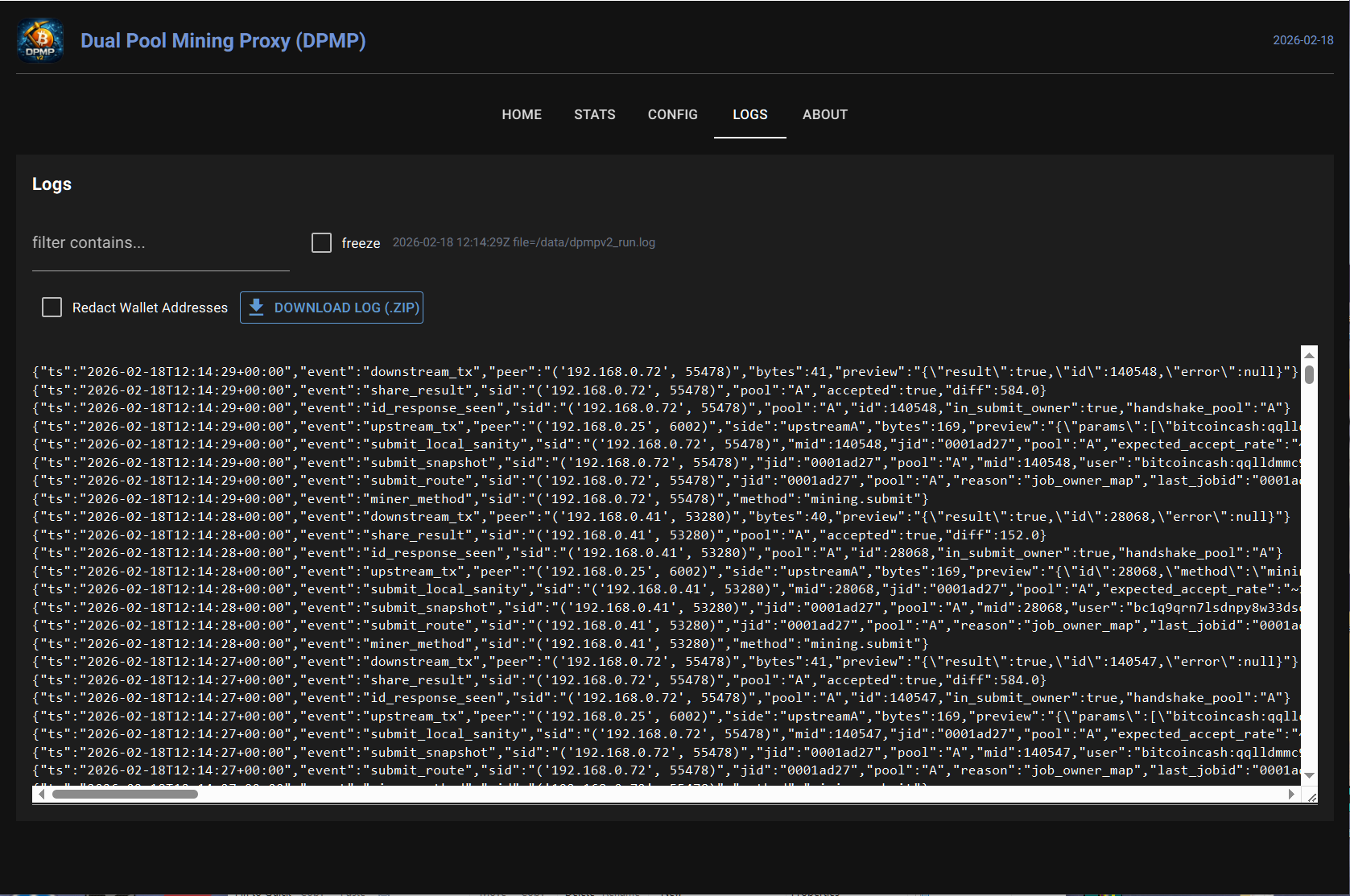
Real-time structured JSON logs on the Logs tab with event filtering and zip export. Logs rotate at 50MB with a maximum of 4 log files retained. Configure which events to display in the Logging Settings section of the Config tab.
Available now as a one-click Umbrel app or a bare-metal install from GitHub.